SCAN GUIDE_

HOW TO
USE SPECIMEN.

Everything you need to get accurate scans, understand your scores, and actually track progress over time.

DOWNLOAD ON THE APP STORE
Free — iPhone required
QUICK START_

60-SECOND OVERVIEW.

New to the app? Watch this first. It covers the full check-in flow from camera setup to reading your score.

VIDEO COMING SOON
BEFORE YOU SCAN_

FOUR RULES.

Inconsistent setup = inconsistent scores. These four variables are what you control. Get them right every time.

RULE 01
DISTANCE
4 to 6 feet from the camera. Full body must be visible — head to feet. If your shoulders are cut off, back up.
RULE 02
LIGHTING
Natural light or bright overhead. Avoid dark gyms, backlit windows, or single side-lit setups. Even lighting is the goal.
RULE 03
CLOTHING
Shorts or less. Compression shorts or fitted trunks are ideal. No baggy pants, no oversized shorts. The AI scores what it sees.
RULE 04
CONSISTENCY
Same time of day, same pump state, same pose. Variation between scans introduces noise your scores will reflect.
POSE GUIDE_

SUPPORTED POSES.

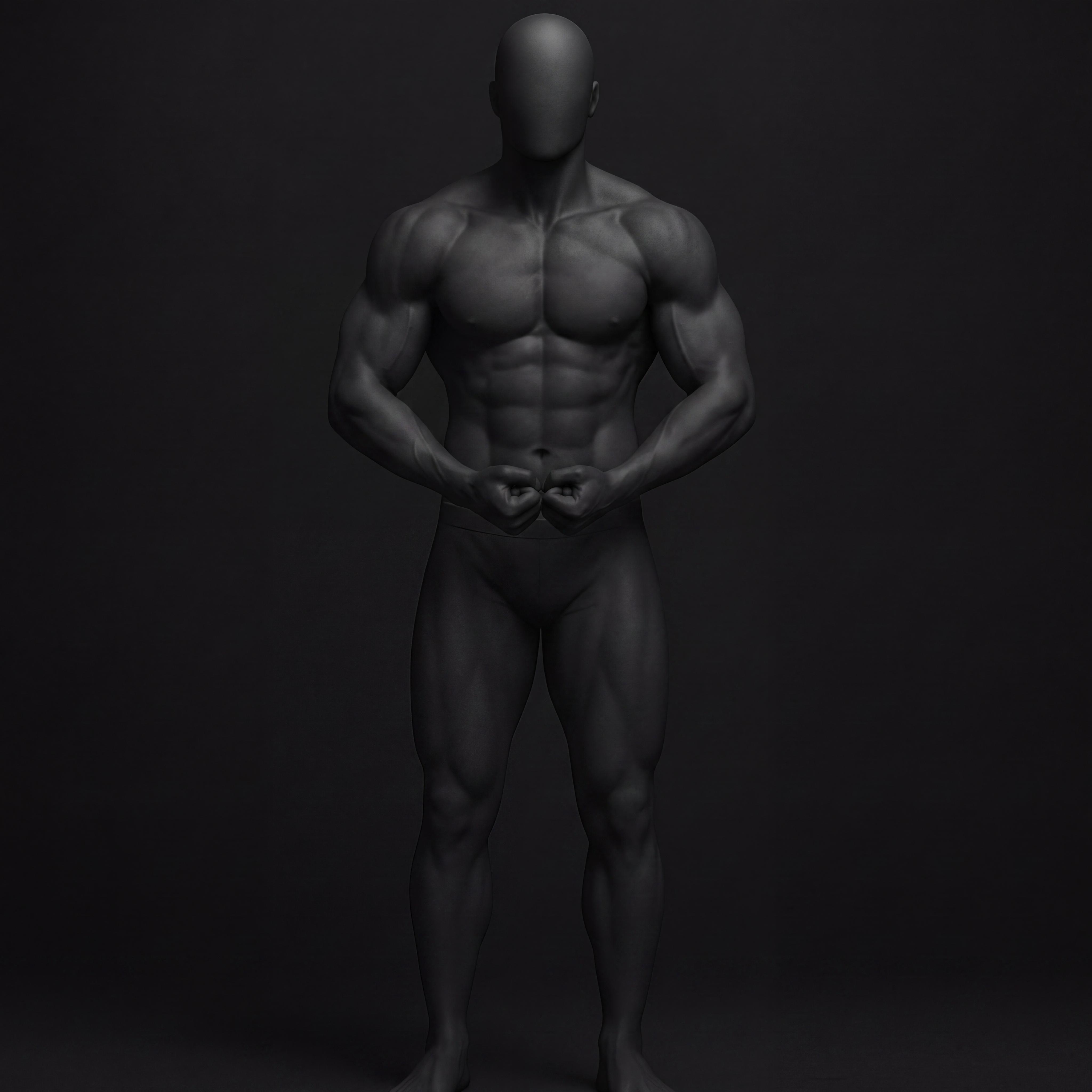
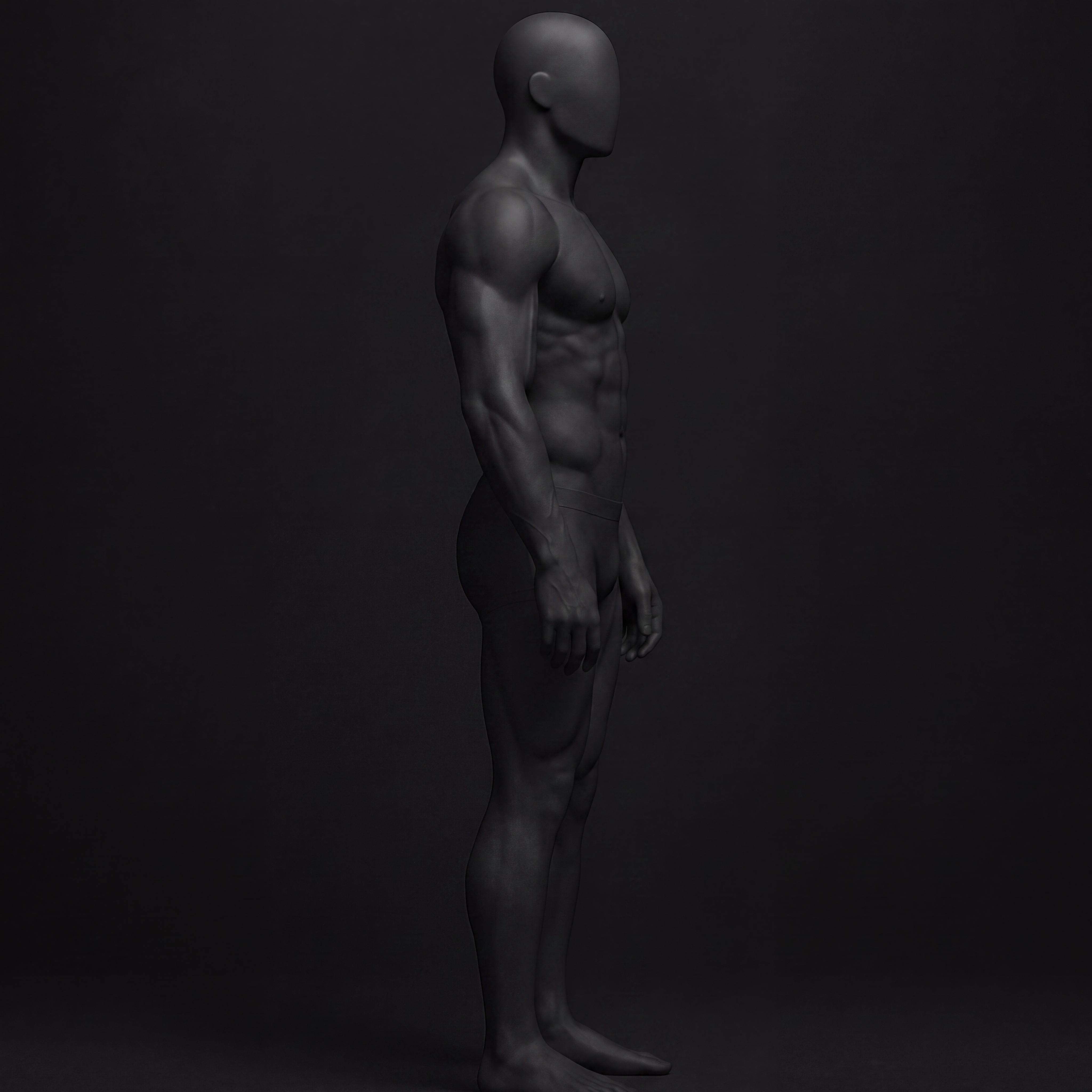
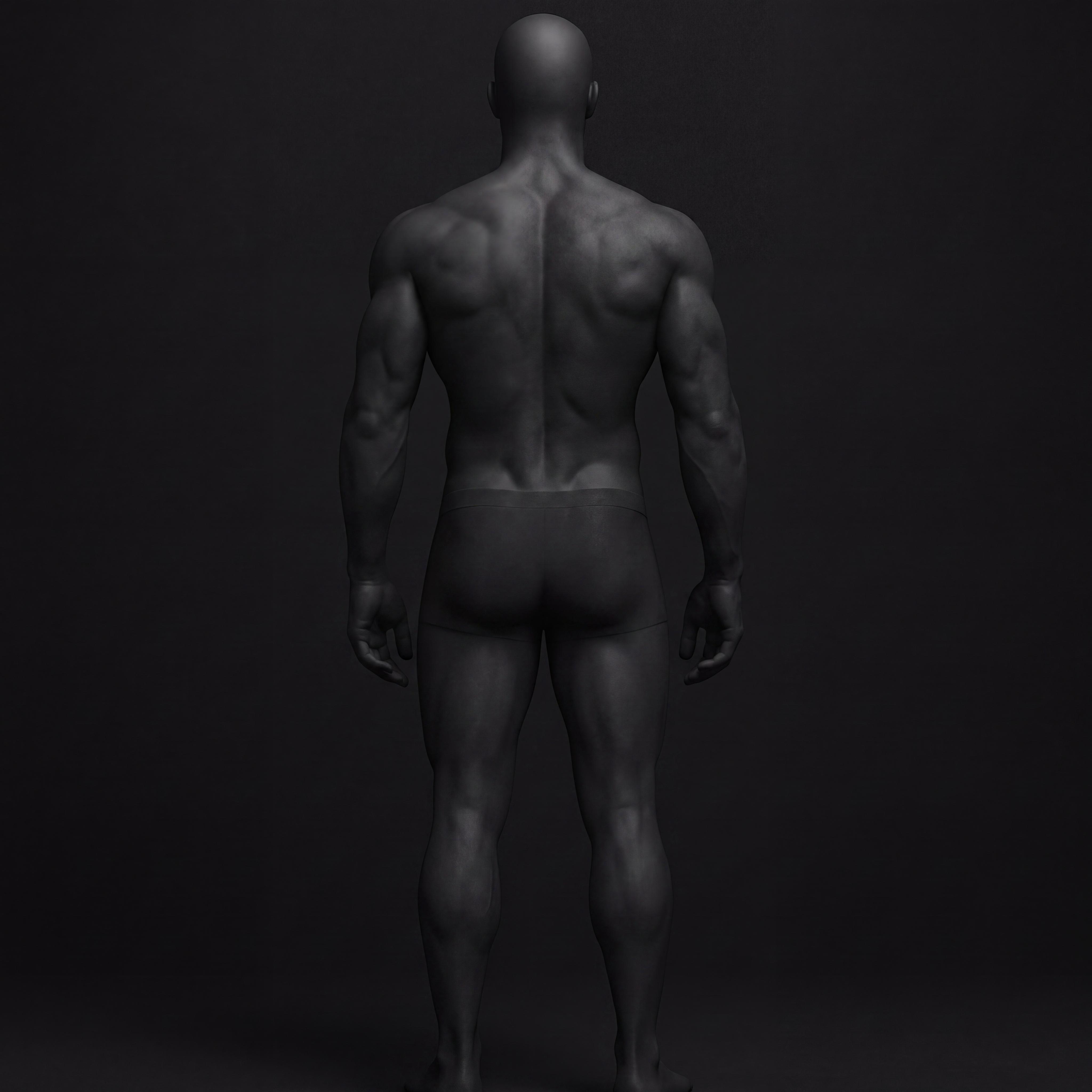
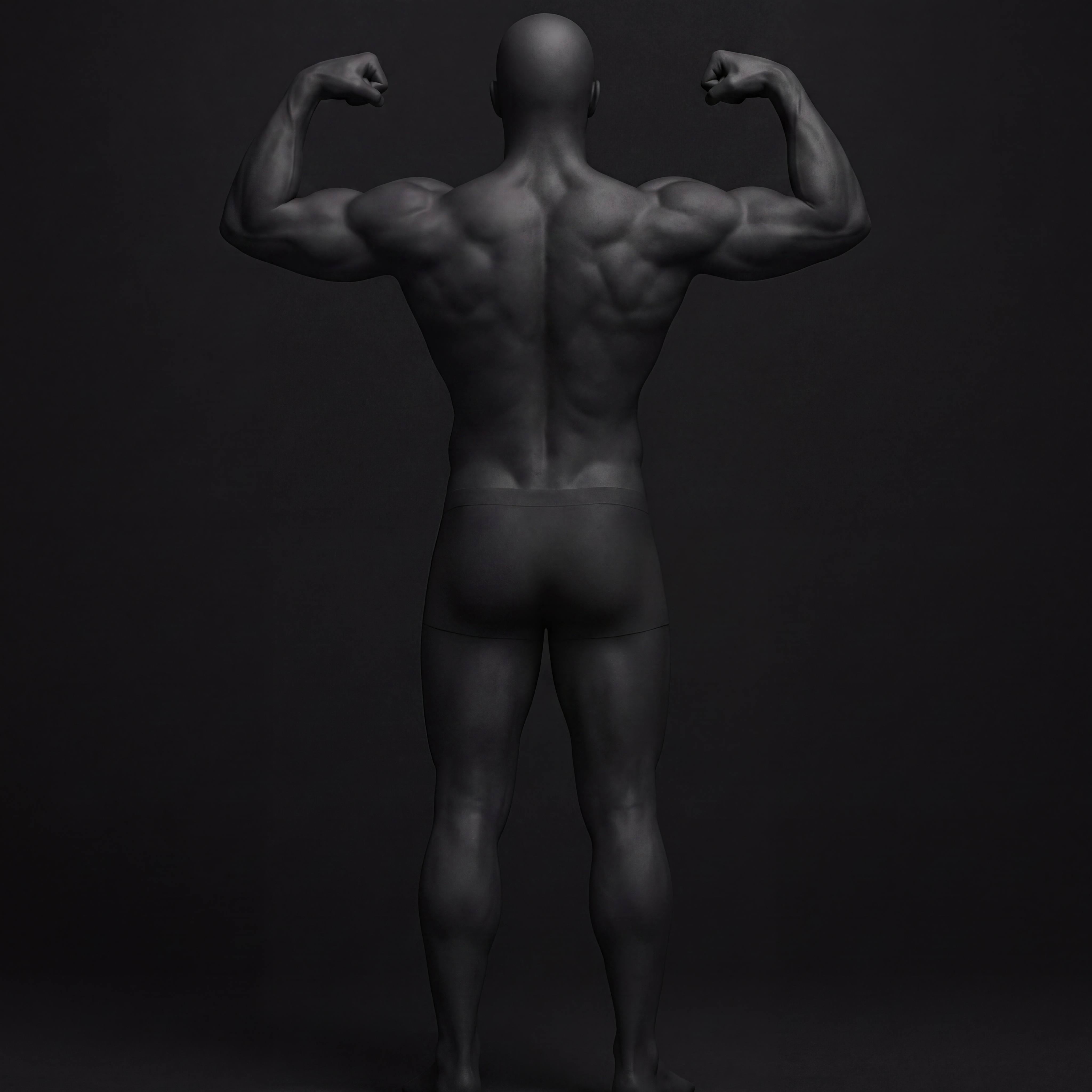
The app supports 9 pose types. For 3-angle scans, pick one front, one side, and one rear. You do not need to perform every pose shown.
RELAXED FRONT pose guide
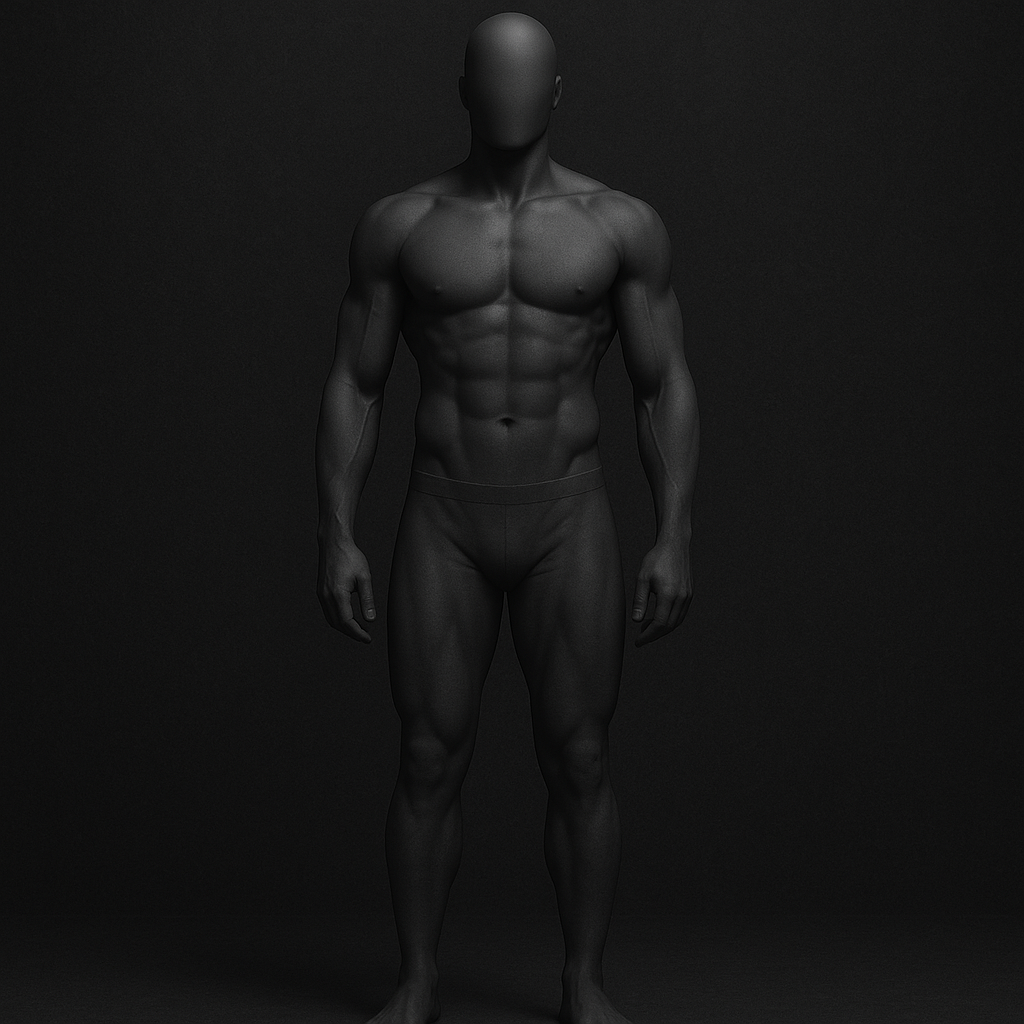
RELAXED FRONT
Arms at sides, facing camera
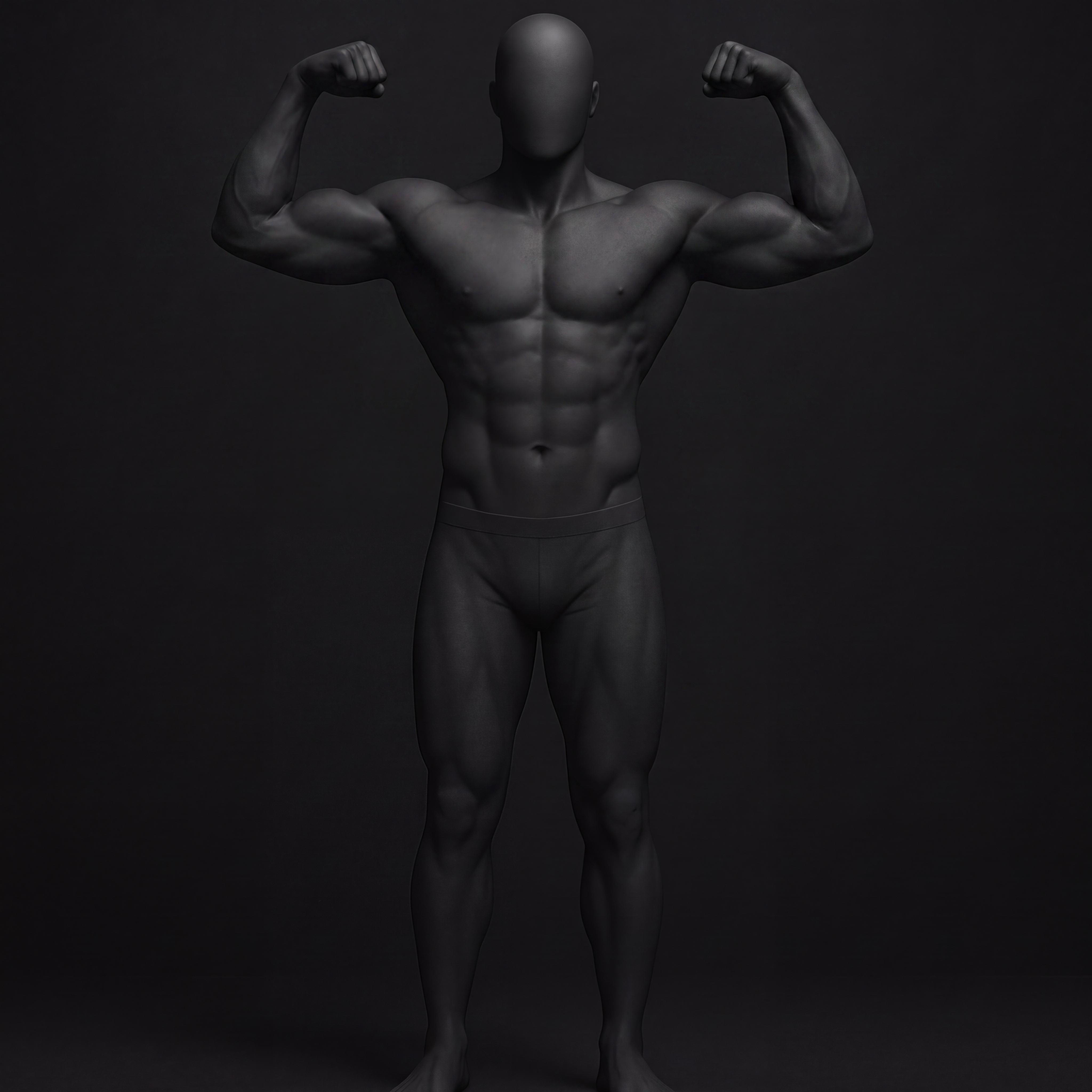
FRONT DOUBLE BICEP pose guide
FRONT DOUBLE BICEP
Both arms raised, elbows bent
MOST MUSCULAR pose guide
MOST MUSCULAR
Hands clasped or fists down
SIDE TRICEP pose guide
SIDE TRICEP
Profile view, arm extended
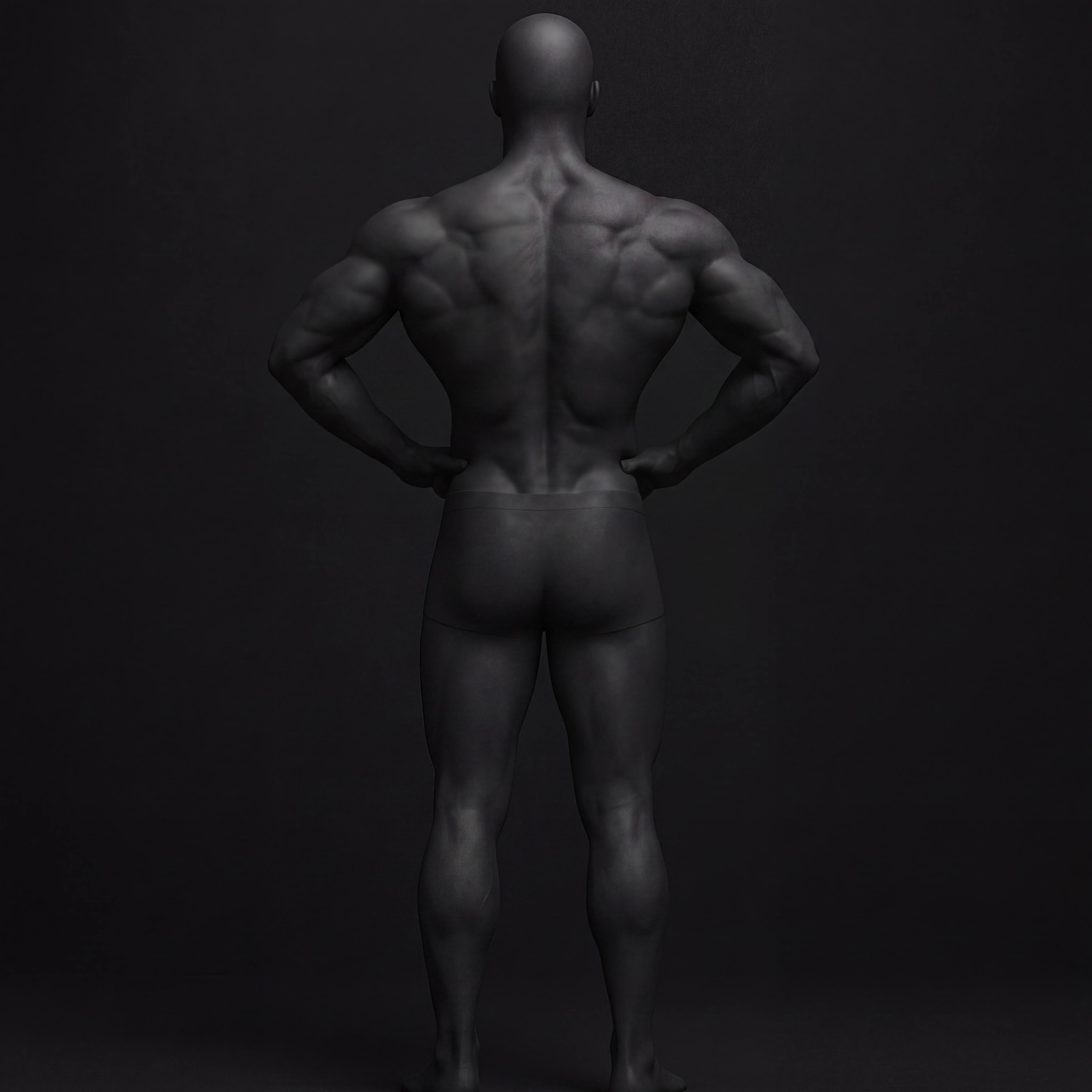
RELAXED REAR pose guide
RELAXED REAR
Arms at sides, back to camera
REAR DOUBLE BICEP pose guide
REAR DOUBLE BICEP
Both arms raised, back to camera
REAR LAT SPREAD pose guide
REAR LAT SPREAD
Lats flared, hands on hips

3-angle scan: Choose one front pose, one side pose (side tricep), one rear pose. One per side. The guide in the app shows all options — pick the one you're doing, not all of them.

SCAN TYPES_

QUICK SCAN VS. 3-ANGLE.

Not every check-in needs to be a full session. Here's when to use each.

QUICK SCAN
ONE PHOTO. ONE ANGLE.
A single front, side, or rear photo. Runs the full AI analysis on one image. Scores all visible muscle groups from that angle.
USE WHEN
  • you want a quick check-in without a full setup
  • backfilling old progress photos from your camera roll
  • logging a morning mirror check with your phone
  • you only have one good angle available
3-ANGLE SCAN — RECOMMENDED
FRONT + SIDE + REAR.
Three images captured in one session and analyzed together. The AI receives a complete view — front development, side conditioning, rear thickness and width.
USE WHEN
  • running your weekly or bi-weekly check-in
  • you want the most accurate muscle group scores
  • tracking back, rear delts, and leg development
  • you're comparing progress over a longer period

The rule: Use quick scans to stay consistent between full sessions. Use 3-angle for your baseline and your progress benchmarks. A quick scan today is better than a skipped session waiting for the perfect setup.

FLOW_

STEP BY STEP.

The full check-in flow from opening the app to reading your verdict.

01_
TAP THE + BUTTON
From home, hit the scan button at the bottom. Choose QUICK SCAN (single angle — front, side, or rear) or 3-ANGLE SCAN (front + side + rear in one session). Quick scan is fine for regular check-ins. 3-angle gives more accurate scores and is recommended for weekly benchmarks.
02_
SET UP YOUR SHOT
Phone on a surface or tripod at chest height, 4-6 feet away. Use the self-timer (3s or 10s). Full body in frame. Even lighting. No baggy clothes.
03_
CAPTURE YOUR POSE
The live skeleton overlay confirms detection. Select your pose type, add your weight for the day, then hit ANALYZE. The app runs on-device BlazePose before sending to AI.
04_
READ YOUR VERDICT
Scores land per muscle group. The AI gives written feedback, identifies your focus area, and estimates body fat and FFMI. Scores are calibrated to serious recreational lifters — not stage standards.
05_
TRACK OVER TIME
Save the check-in. Each scan adds to your history. Progress is tracked via the GitHub-style calendar and trend charts in the PROGRESS tab. Score deltas over time are the point.
SCORING_

WHAT THE NUMBERS MEAN.

Scores are anchored to the serious recreational lifter population — not competitive bodybuilding. A 62 means you're above average in most gyms.

RANGEBANDMEANING
1–20PRE-TRAININGNo visible development
21–40BUILDINGEffort visible, clear gaps remain
41–60AVERAGESolid vs. general population
61–75NOTABLEStands out in most gyms
76–90IMPRESSIVEStage-viable, elite recreational
91–100ABSOLUTE ELITETop competitive pro — top 1% worldwide

TIERS.

CIVILIANavg 0 – 20
PARTICIPANTavg 21 – 45
CONTENDERavg 46 – 65
MUTANTavg 66 – 85
SPECIMENavg 86 – 100

Why does my score seem low? The AI scores what's visible in the photo under those conditions. Lighting, distance, clothing, and pump state all affect scores. Run consistent setups to get comparable deltas over time.

FAQ_

COMMON QUESTIONS.

READY_

STOP GUESSING.

You can intuit your macros. You can't intuit your physique.

DOWNLOAD SPECIMEN
Free on the App Store